Blog
Unified Security: Integrating BitBucket Audits with AWS Security Hub
In the modern DevSecOps landscape, visibility is everything. Sifting through scattered reports from static analysis tools, pipeline logs, and manual audits slows down remediation and increases risk.
That's why we are excited to announce our deep integration with AWS Security Hub.
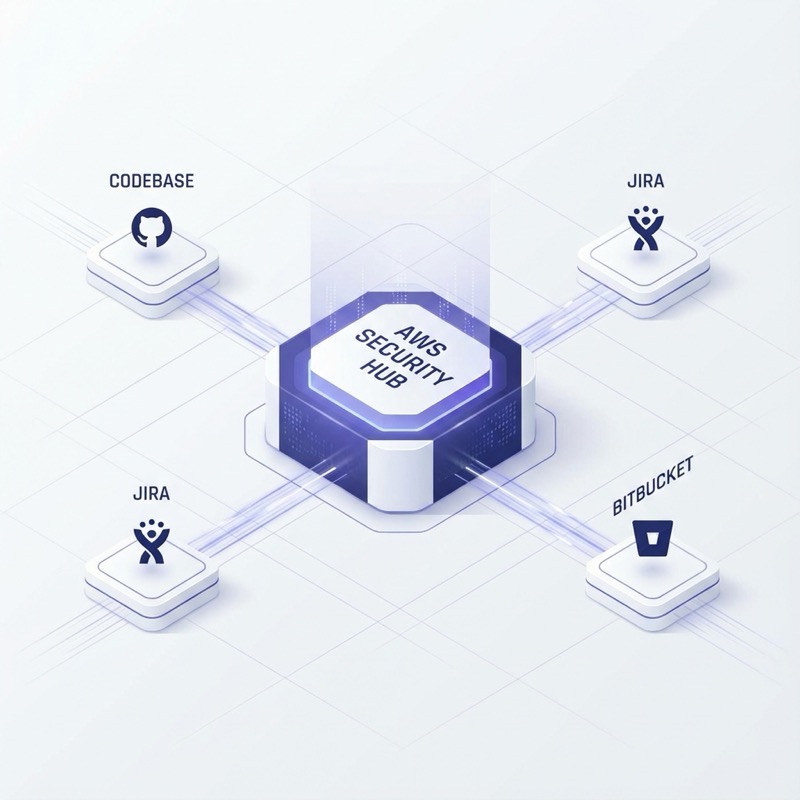
What is AWS Security Hub?
AWS Security Hub is a cloud security posture management service that performs security best practice checks, aggregates alerts, and enables automated remediation. It acts as a central aggregator for findings from multiple AWS services and supported third-party partner products.
How Our Integration Works
Our Code Guardian AI solution now speaks the native language of Security Hub: the AWS Security Findings Format (ASFF).
When our scanning engine detects an issue in your BitBucket repositories—whether it's a hardcoded secret, a misconfigured pipeline, or a compliance violation—it doesn't just log it locally. It automatically transforms that finding into ASFF and pushes it securely to your AWS Security Hub console.
Key Capabilities
- Unified Visibility: View your code repository security posture alongside your infrastructure security alerts (e.g., from GuardDuty or Inspector) in a single dashboard.
- Automated Severity Mapping: We map our finding severities (Critical, High, Medium, Low) to Security Hub's severity model, ensuring consistent prioritization.
- Context-Rich Findings: Each finding sent to Security Hub includes deep context, such as the repository name, commit hash, file path, and specific line numbers where the issue was found.
- Workflow Synchronization: Use Security Hub Custom Actions to trigger remediation workflows or update the status of findings in Jira via our bidirectional sync.
Why This Matters
By consolidating findings into Security Hub, you empower your security operations team to respond faster. There is no need to grant every analyst access to BitBucket or teach them new tools. They can continue working in the AWS environment they know, while still maintaining oversight of the application security layer.
Getting Started
Integration is enabled by default for all Enterprise tier customers. Simply provide your AWS Account ID and Region in the Code Guardian AI settings, and grant the necessary IAM permissions for securityhub:BatchImportFindings.
Stop chasing separate reports. Start seeing the whole picture today.